Alerts
Guide · On your iPhone
Hear when someone adds a stop, starts a poll or logs what you owe. Mute any trip.
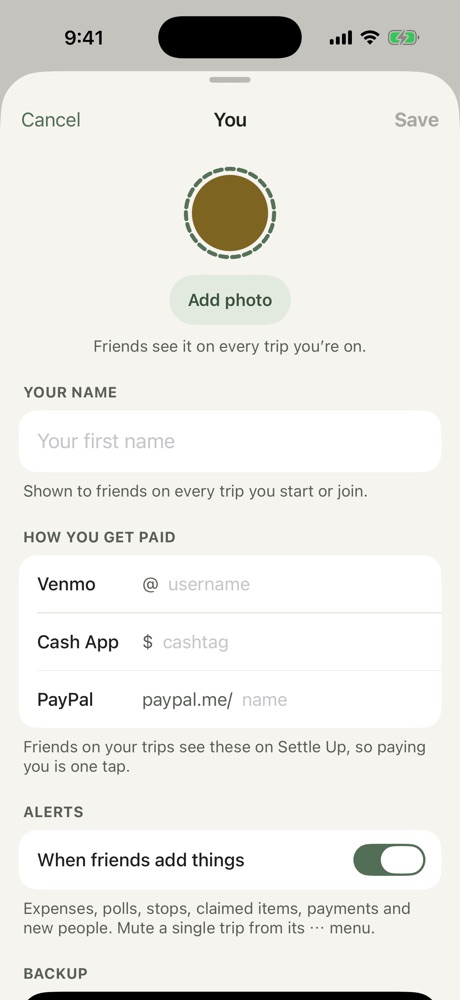
Freya lets you know when people add expenses, polls, stops or claimed items, mark payments or join the trip.
- Mute one trip: tap ••• on the trip's Overview and choose Mute Alerts.
- Turn alerts off entirely: iPhone Settings → Notifications → Freya.
More in On your iPhone
Still stuck? Email contact@freyatripplanner.com or search the guide.