Share photos
Guide · Photos & memories
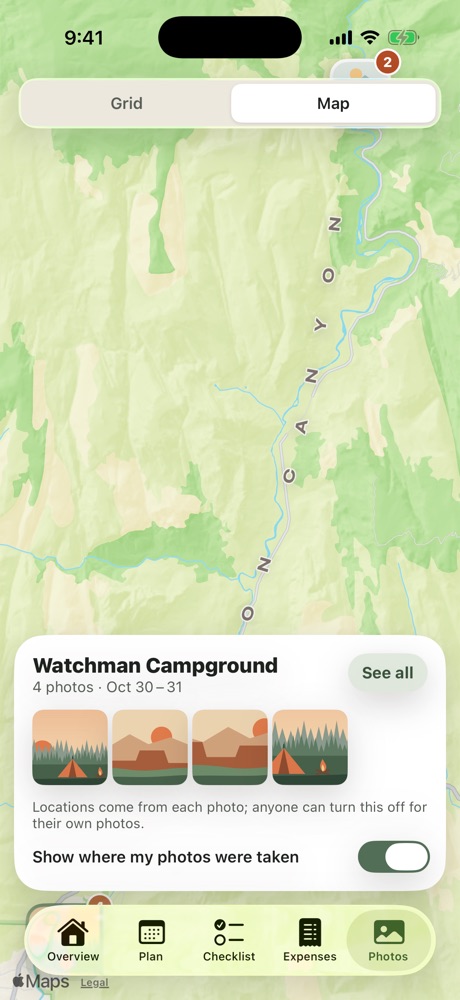
Everyone's shots from the trip in one album, with a map of where they were taken.
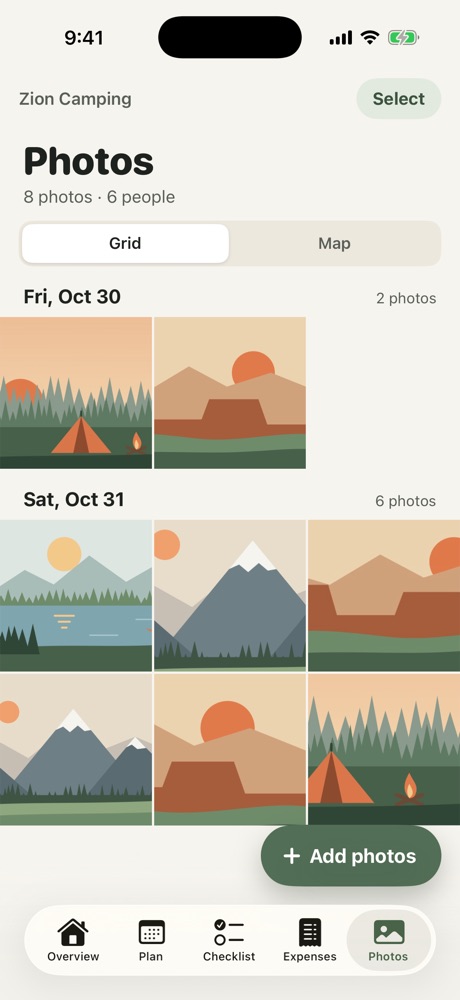
- Open the Photos tab and tap Add photos.
- Pick the photos you want to share. Freya only sees the ones you pick.
Everyone on the trip can see and save them. Photos are grouped by day.
Free and Pro
- Free: each person can add 15 photos per trip, saved at high quality (2048 pixels on the long side).
- Pro: unlimited photos in original quality, plus a Map view of where each photo was taken. Anyone can turn off Show where my photos were taken for their own photos.
When a trip goes Pro, photos already added are upgraded to original quality from the phone that added them.
More in Photos & memories
Still stuck? Email contact@freyatripplanner.com or search the guide.