Invite friends to a trip
Guide · Getting started
Share one link in the group chat. Friends join with just their first name.
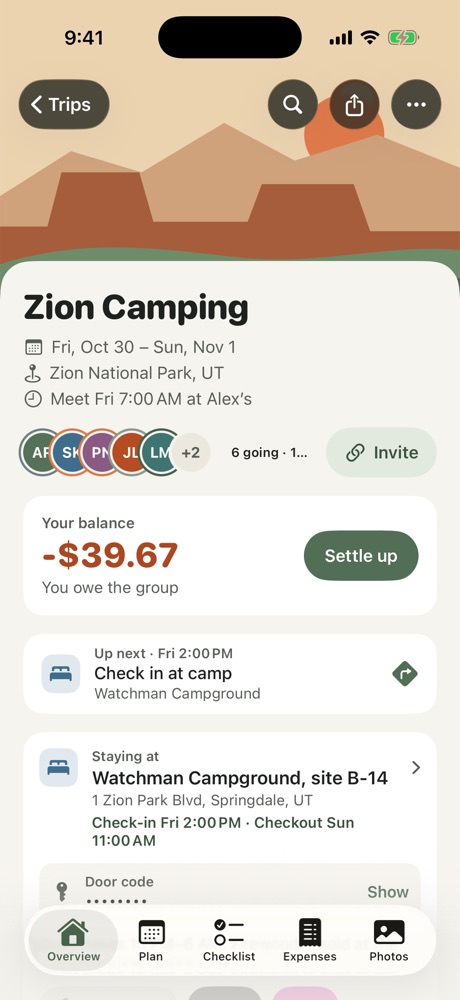
- Open the trip and tap Invite on the Overview.
- Choose Share Invite Link and send it to your group chat, or copy the invite code.
Friends open the link, type their first name and they're in. They don't need an account, and they don't need to download the app first: on iPhone the link opens a small App Clip right away. Anyone who installs the full app also gets widgets, alerts and offline access.
Tip: Already know who's coming? Add them yourself from Who's Going. When they join from the link, they can pick their name instead of creating a new one.
More in Getting started
Still stuck? Email contact@freyatripplanner.com or search the guide.