Join a trip
Guide · Getting started
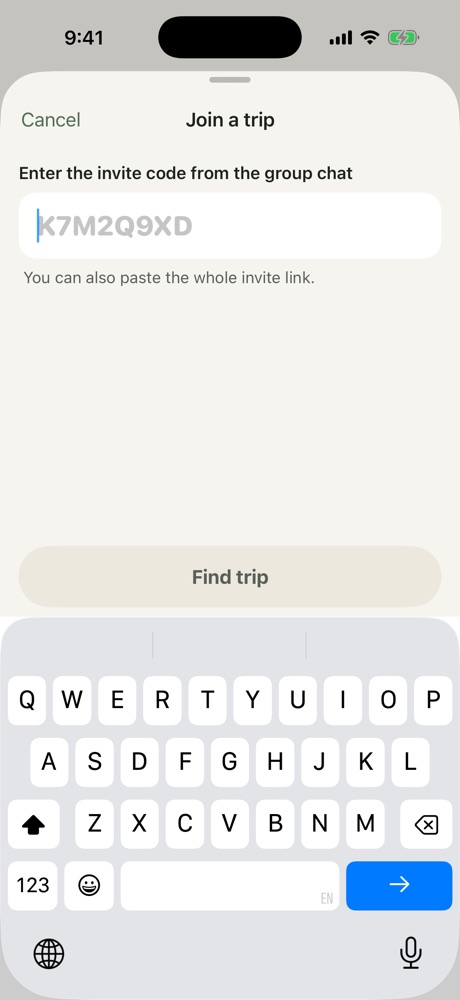
Open the invite link, or type the invite code in the app.
The easiest way is to open the invite link someone sent you and type your first name.
Using an invite code
- On the Trips screen, tap Join.
- Enter the invite code from the group chat.
- Check the trip and who's going, then add your name.
On a new phone
Open the invite link again and tap "Joined before? Pick your name", then choose your name from the list. Everything you added comes back with it.
More in Getting started
Still stuck? Email contact@freyatripplanner.com or search the guide.