Leave a trip, delete a trip or delete your data
Guide · Pro, account & privacy
What happens to your stuff, and how to remove it.
- Leave a trip: tap ••• on the trip's Overview and choose Leave Trip. You keep a read-only copy to look back on, or tap Delete My Copy to remove it.
- Delete a trip (organizer): tap ••• → Delete Trip. It's deleted for everyone.
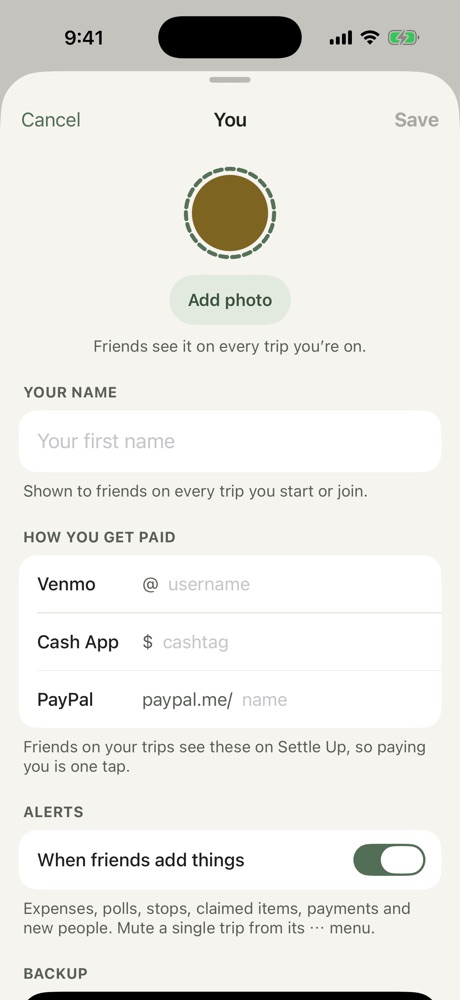
- Delete your data: tap your picture on the Trips screen, then the gear, then Delete My Data. Your trips leave this iPhone. Trips you started go to the next person on them, or are deleted if you're the only one. Elsewhere your name becomes "Former member" so everyone's balances still add up. This can't be undone.
You can also email contact@freyatripplanner.com and we'll delete your data within 30 days. Details are in the Privacy Policy.
More in Pro, account & privacy
Still stuck? Email contact@freyatripplanner.com or search the guide.