Restore, cancel or get a refund
Guide · Pro, account & privacy
Payments go through Apple, so cancelling and refunds happen in your Apple account.
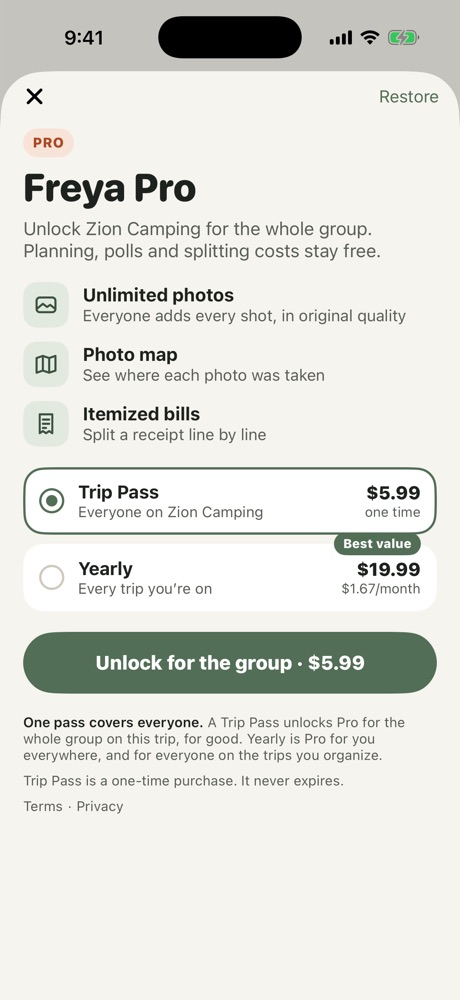
- Restore: tap your picture on the Trips screen, then See plans → Restore purchases.
- Cancel Yearly: iPhone Settings → your name → Subscriptions → Freya. Pro stays on until the end of the year you paid for.
- Refunds: Apple handles all payments. Request a refund at reportaproblem.apple.com.
More in Pro, account & privacy
- Freya Pro: Trip Pass and Yearly
- Leave a trip, delete a trip or delete your data
- Report something or remove someone
Still stuck? Email contact@freyatripplanner.com or search the guide.