Report something or remove someone
Guide · Pro, account & privacy
Report anything inappropriate, and organizers can remove people from a trip.
Report
Long-press an expense, photo, poll, stop or checklist item and tap Report, or report a person from Who's Going. You can also email contact@freyatripplanner.com with the trip name. We review reports within 24 hours.
Remove someone (organizer)
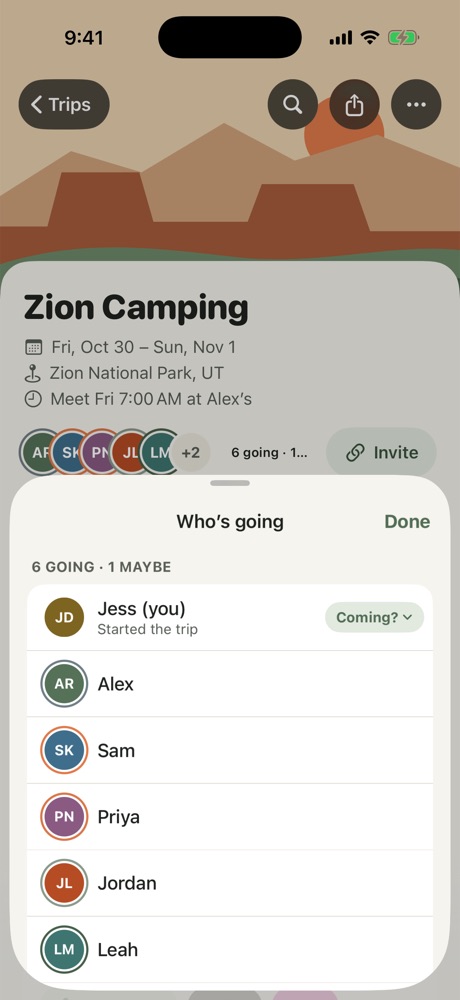
- Tap the faces on the Overview to open Who's Going.
- Tap the person and choose Remove from Trip.
They lose access right away and can't rejoin with the invite link. What they added and paid stays, so balances still add up.
More in Pro, account & privacy
- Freya Pro: Trip Pass and Yearly
- Restore, cancel or get a refund
- Leave a trip, delete a trip or delete your data
Still stuck? Email contact@freyatripplanner.com or search the guide.