Notes, search and calendar
Guide · Planning together
A shared page for everything else, a search box for the whole trip, and the plan in your calendar.
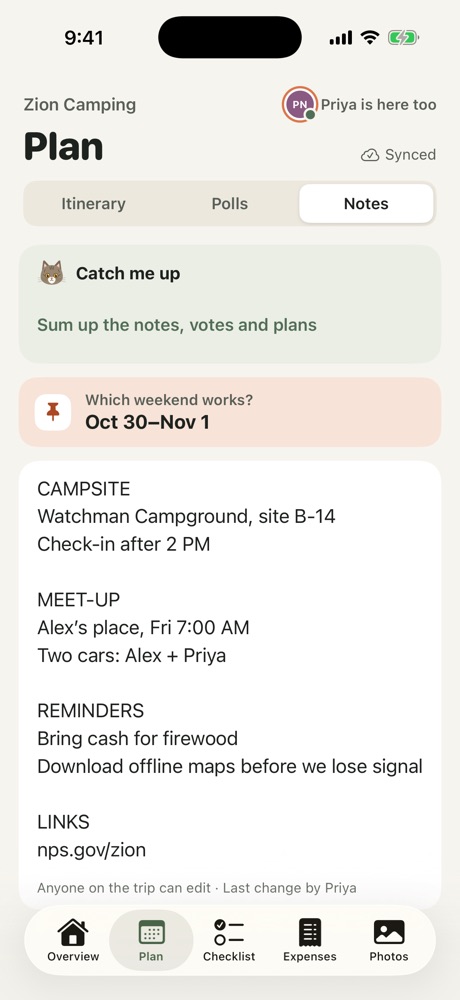
- Notes: open the Plan tab and choose Notes. Anyone can edit the page: campsite rules, reminders, the grocery plan.
- Search: tap the magnifying glass on the Overview to search the whole trip, from checklist items to expenses.
- Calendar: tap ••• on the Overview and choose Add to Calendar. The trip, meetup and itinerary are added and kept up to date when plans change.
More in Planning together
- Use the shared checklist
- Plan the itinerary
- Bring in a plan from a doc or AI chat
- Run a poll
- Stay, flights and the meetup
- Ask Freya
Still stuck? Email contact@freyatripplanner.com or search the guide.